Your words stay yours.
Review content is stored locally, excluded from device backup, and never uploaded by the account service.
A second look
Keep the exact message. Compare what it might mean. Ask what you do not know.
Designed for iPhone · No account required · Private on this device · Preview uses example reviews
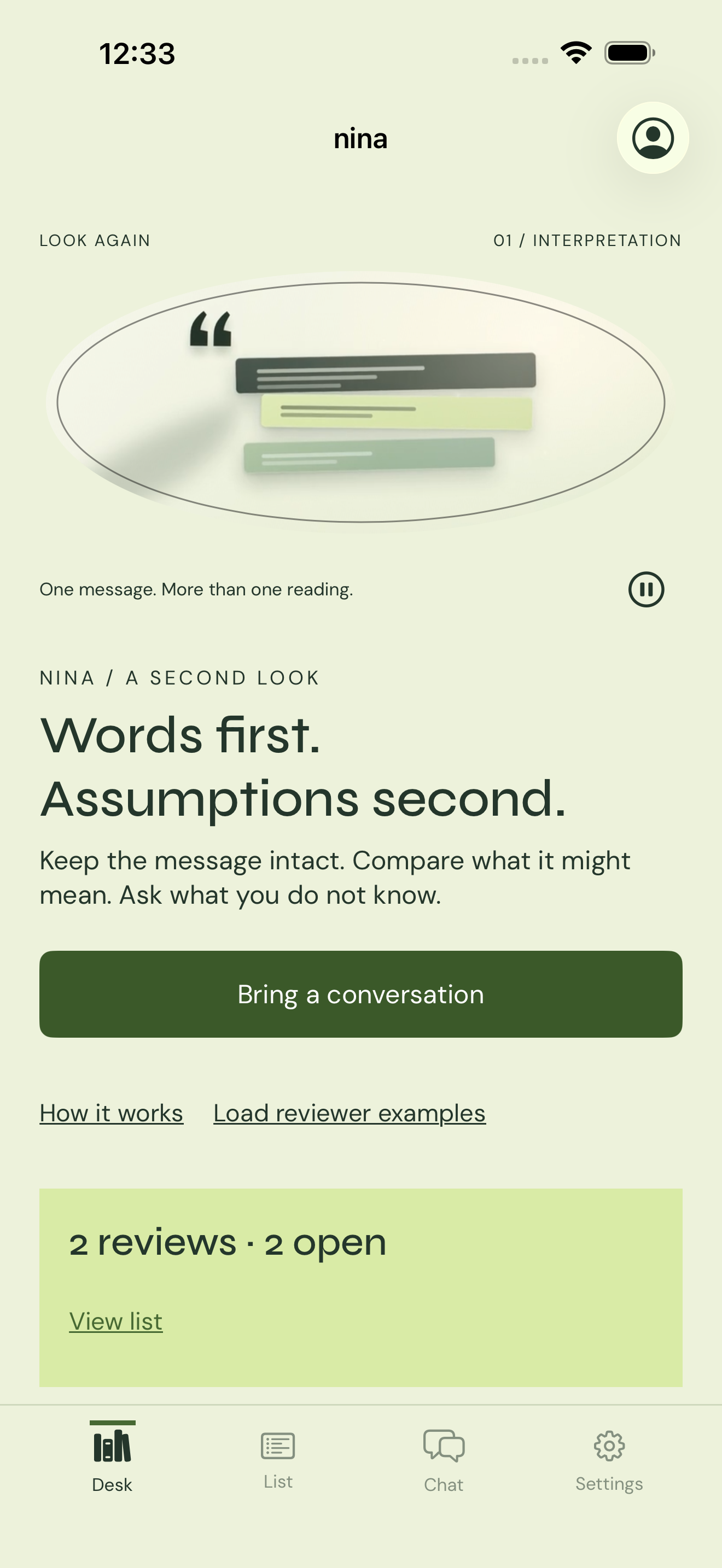
Nina does not decide what someone meant. It gives you a place to separate the words from your assumptions.
Nina is a workbench for the messages you keep rereading. You bring the words. You author the possibilities. Nina keeps the evidence, the uncertainty, and the later response in one place.
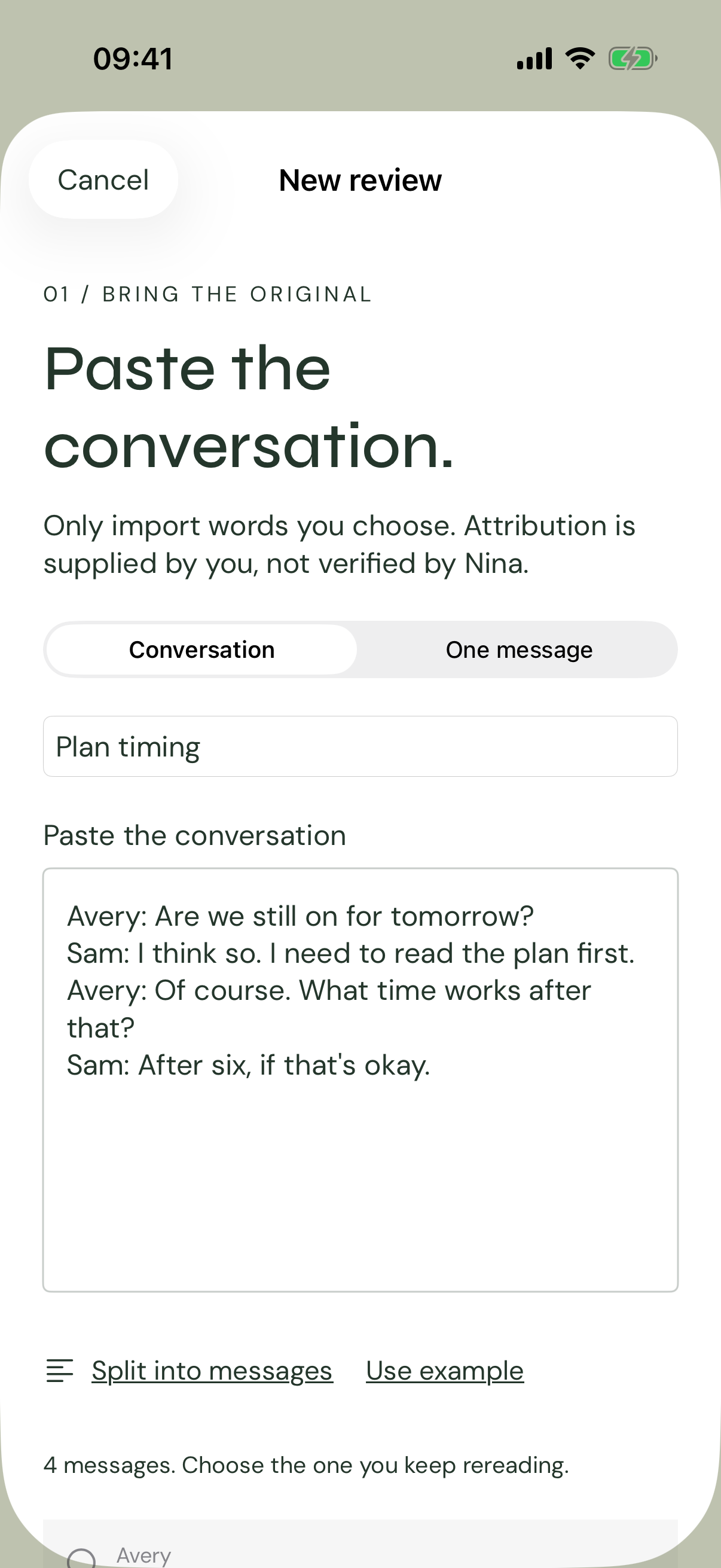
Paste a conversation or one message. Choose the message you keep rereading. Attribution is supplied by you, not verified by Nina.
The original stays fixed. Add context only when you choose, approve each source yourself, and revoke a source later if you change your mind.
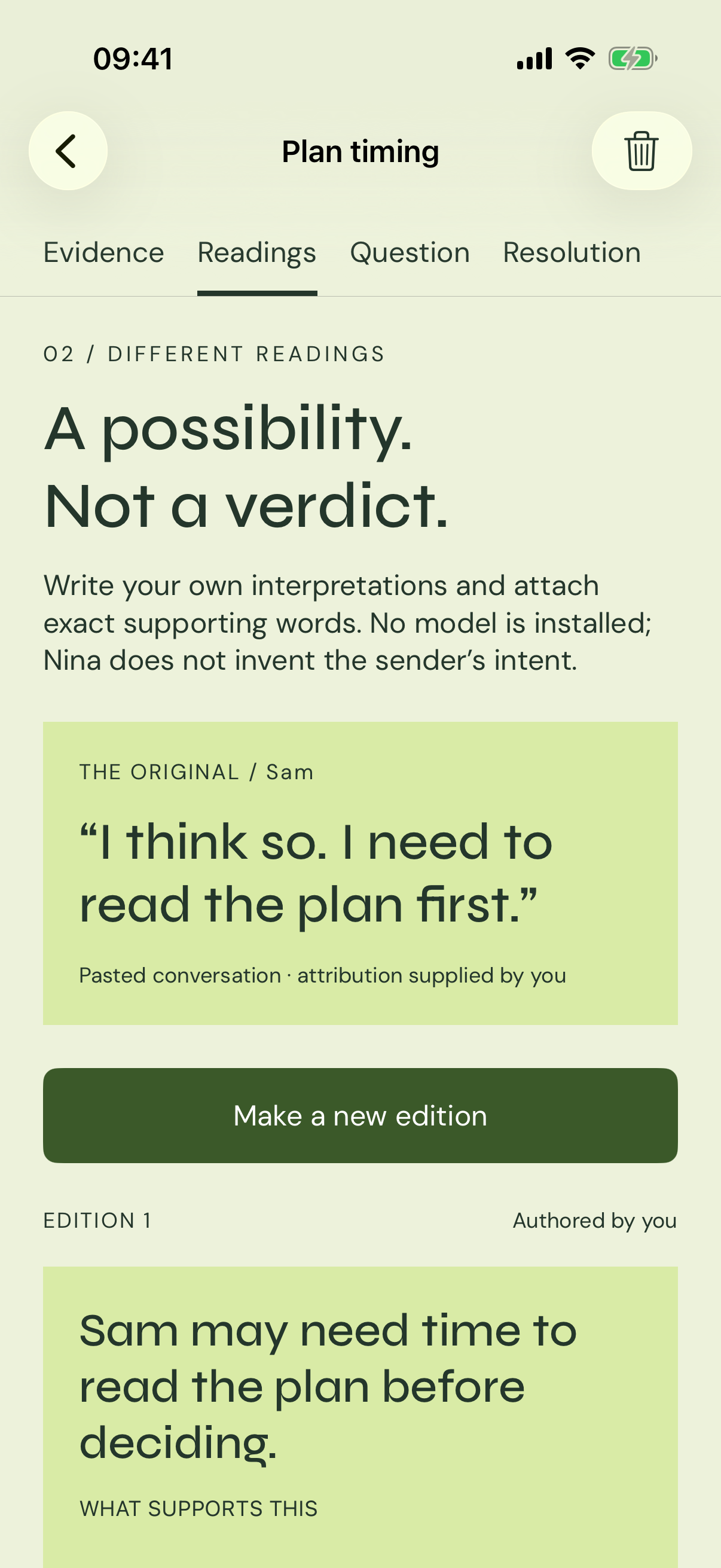
Write up to five possibilities. Attach exact supporting quotes and name what is still unknown. There is no model and no verdict about the sender's mind.
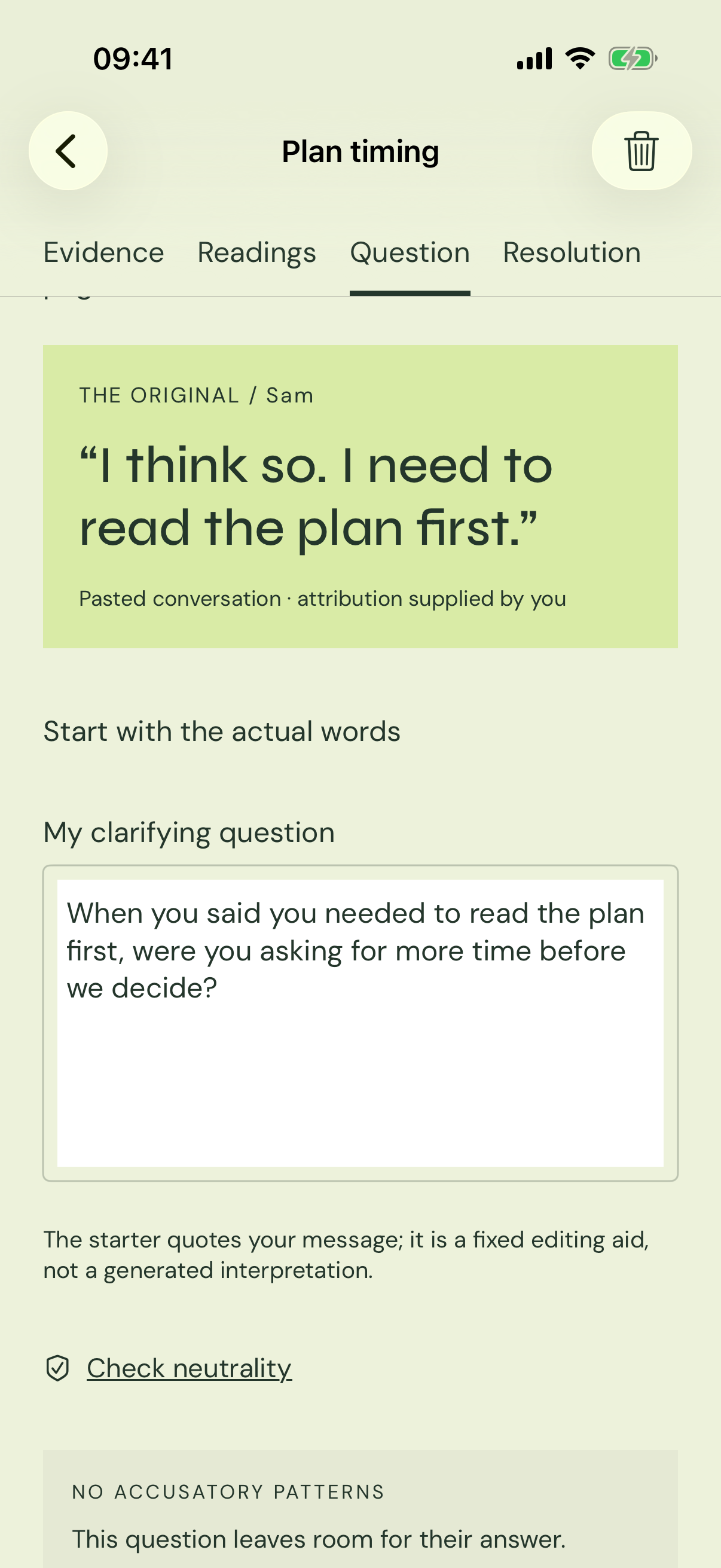
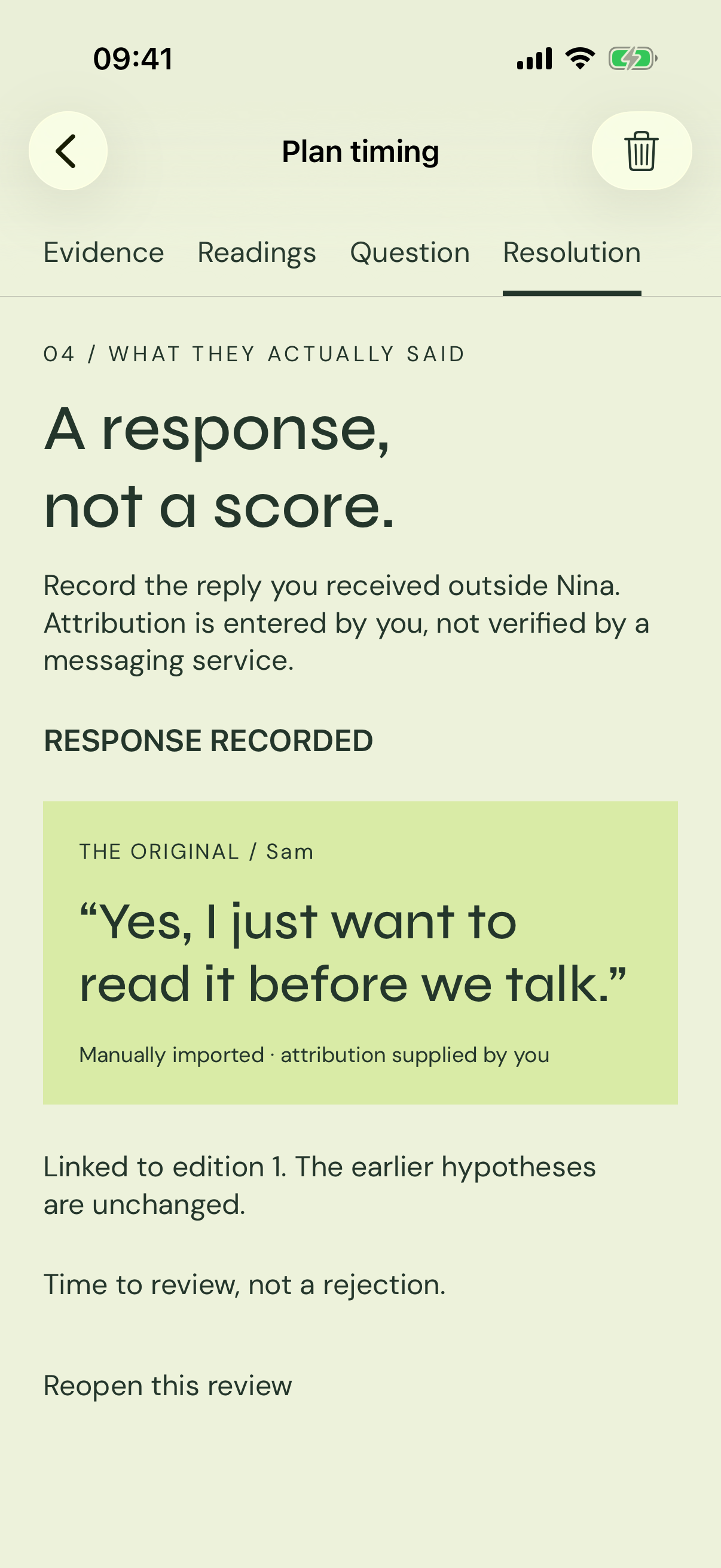
Use the local neutrality check, then preview and share only the question. Record what the person actually said, or mark that there was no reply.
Four surfaces, one record. Move from the exact words to your readings, from a neutral question to the response you actually received.
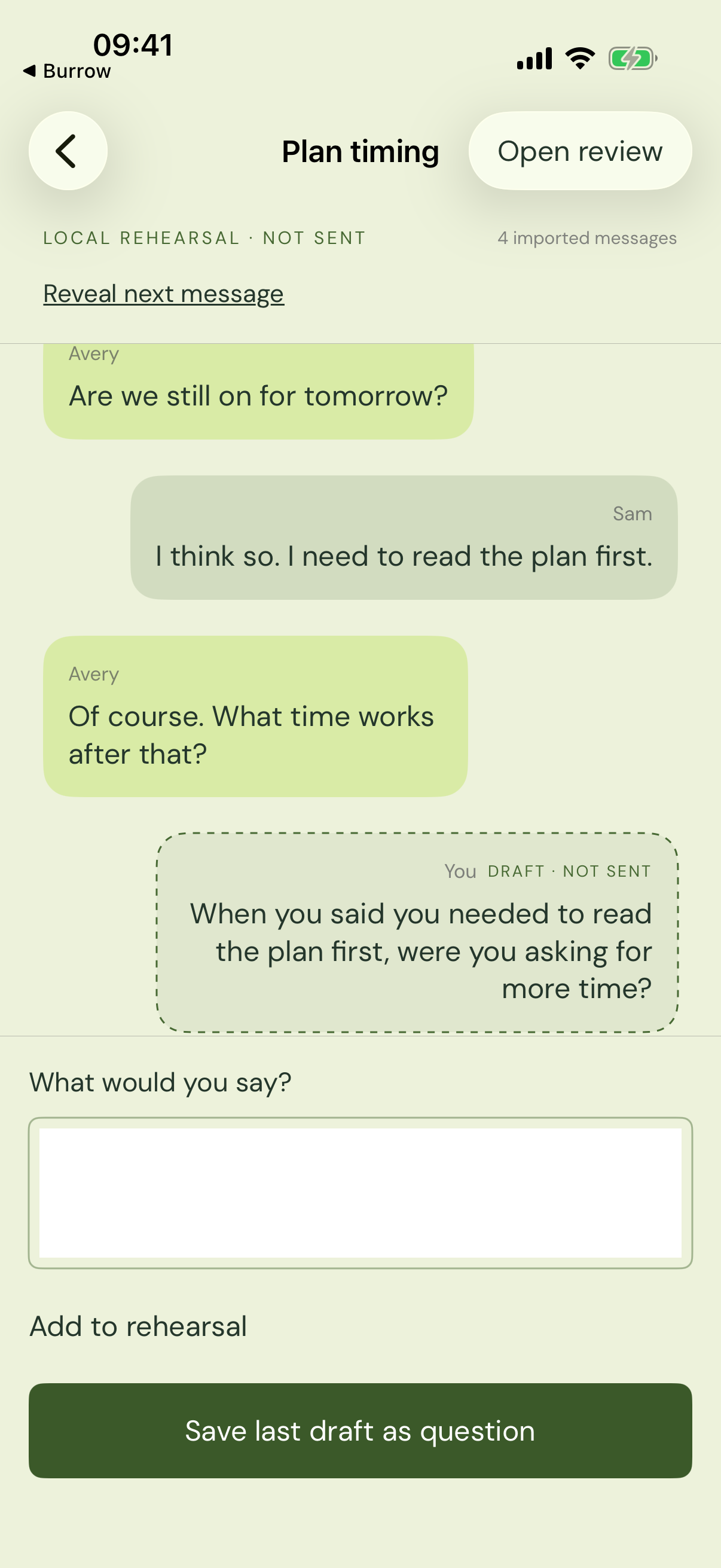
Chat rehearsal
Open an imported conversation in Chat, reveal messages at your own pace, and type what you might say. Your draft is labeled not sent. Nina never generates the other person's reply.
Rehearsal is local. There is no Nina-owned messaging service, no delivery claim, and no fake reply.
Nina is local-first. Your reviews, sources, readings, questions, responses and rehearsal drafts stay on your device. An account is optional and only adds a separate workspace.
Review content is stored locally, excluded from device backup, and never uploaded by the account service.
Use every feature locally. Sign in with Apple or email only if you want a separate account workspace.
Export a JSON backup, delete a single review, delete a workspace, or delete your account from Settings.
A few things worth knowing before you bring a message.
No. There is no AI model in this build. You author every possibility, supporting quote, counter-evidence and unknown. Nina does not diagnose people or claim to know what someone is thinking.
No. You paste or type the words you choose. Nina does not connect to another app's inbox, does not send messages, and does not upload your review content.
No. Tap “Start on this device” and use the full local workspace. Sign in with Apple or email is optional and opens a separate account workspace.
Reviews, sources, readings, questions, responses and rehearsal drafts stay on your device. If you sign in, account information such as email, Apple sign-in identifier, device identifier and network information is sent to the account service. You can export a JSON backup or delete your data at any time.
No. Chat is a local rehearsal. Imported messages are revealed at your pace, your draft is labeled not sent, and no reply is generated. Nothing is delivered.
Nina is designed for iPhone. The current submission is iPhone only; the iPad layout code is not advertised or supported in this release.